Jira
Access issues and projects from Jira
How it works
The Jira connector pulls in all tickets from the specified projects every 10 minutes.
For every jira issue this connector will pull:
- Title
- Description
- Common fields
- Comments
Setting up
Authorization
1. Jira Cloud token
Jira Cloud: follow the guide described here to get an access token.
2. Jira Server token
Jira Server: follow the guide described here to get a personal access token.
Indexing
1. Open Jira connector
Navigate to the Admin Panel and select the Jira Connector
2. Provide credentials
For Cloud, provide the Access Token and the Username it belongs to:
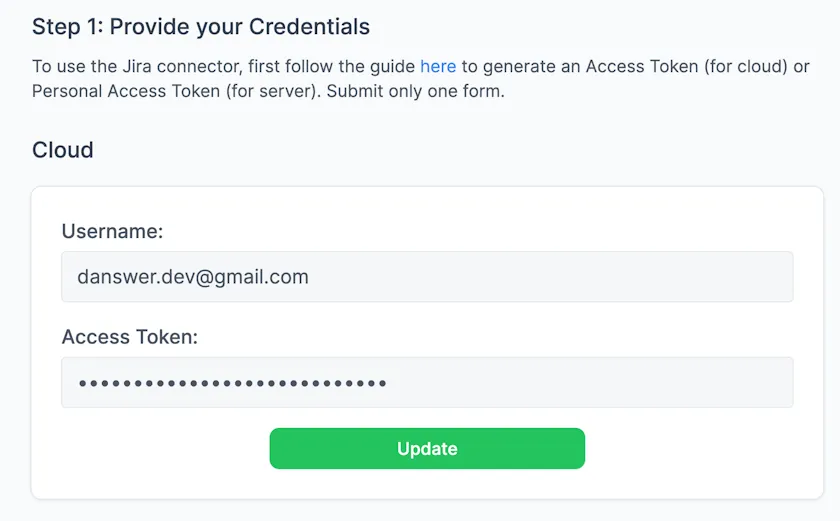
Negere-Fej Jira Cloud connector authentication form
For Server, provide the Personal Access Token:
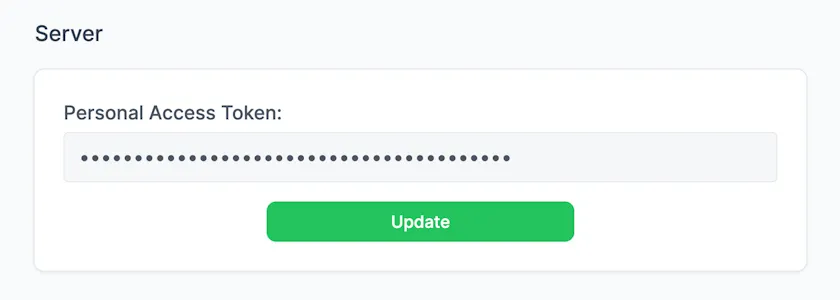
Negere-Fej Jira Server connector personal access token form
3. Choose projects and filters
For each project you want to index, provide a single URL to any page in the project. Optionally specify users whose comments should not be indexed (useful to ignore certain bots). For example:
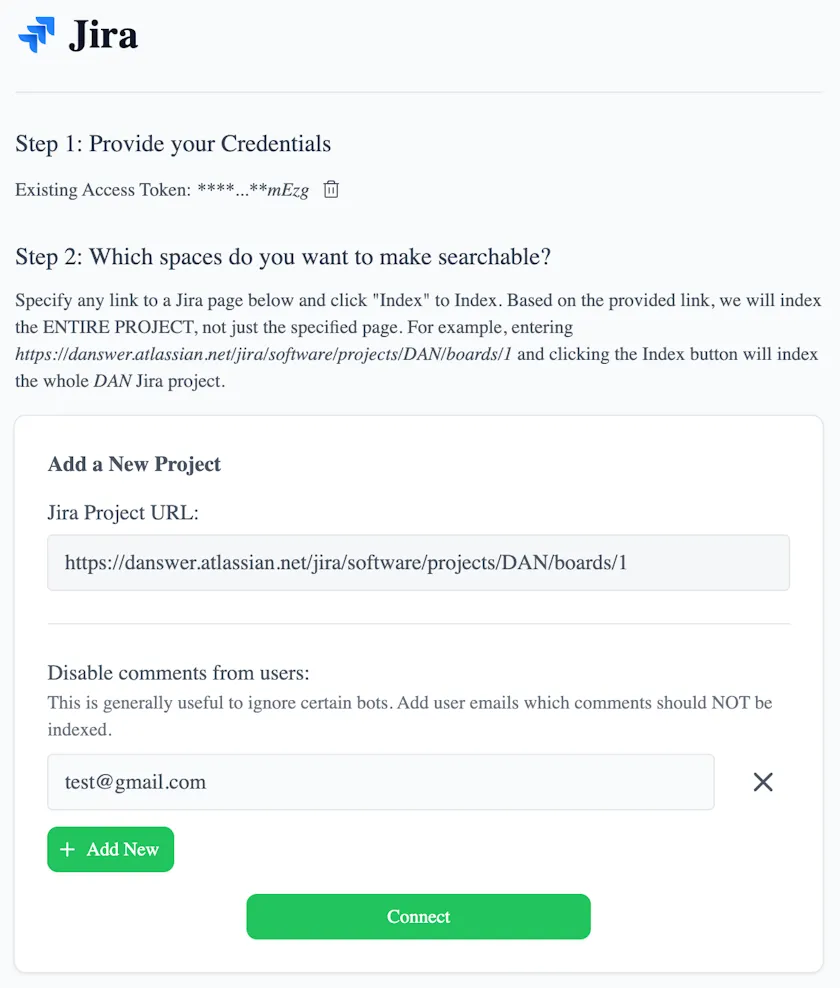
Jira indexing configuration showing project URLs and excluded commenters
4. Start indexing
Click the Connect button! All your Jira tickets in that space will now be pulled into Negere-Fej every 10 minutes.
Indexed metadata
- Project ID
- Issue Type
- Issue Key
- Summary
- Description
- Priority
- Labels
- Assignee
- Reporter
- Comments
- Status
- Resolution
- Created
- Updated